Printing guide
Map print size guide — A4 to A1 and popular frame sizes
Choosing a print size is half the design decision. This guide lists metric paper and frame sizes, the pixel dimensions you need at 150 and 300 DPI, what MapArtPrint actually exports on free and Pro tiers, and where each format tends to work in a home — plus framing and where to print.
Map print size quick reference
| Format | Size (cm) | Pixels at 150 DPI | Pixels at 300 DPI | MapArtPrint export |
|---|---|---|---|---|
| A4 | 21.0 × 29.7 | 1240 × 1754 |
2480 × 3508 |
Pro preset A4 Paper → 2480 × 3508 px (~300 DPI) |
| A3 | 29.7 × 42.0 | 1754 × 2480 |
3508 × 4961 |
Pro preset A3 Paper → 3508 × 4961 px (~300 DPI) |
| A2 | 42.0 × 59.4 | 2480 × 3508 |
4961 × 7016 |
Pro preset A2 Paper → 4961 × 7016 px (~300 DPI) |
| A1 | 59.4 × 84.1 | 3508 × 4963 |
7016 × 9933 |
Pro preset A1 Paper → 7016 × 9933 px (~300 DPI) |
| Popular frame | 30 × 40 | 1772 × 2362 |
3543 × 4724 |
Pro custom dimensions → enter 3543 × 4724 px (no named preset) |
| Popular frame | 40 × 50 | 2362 × 2953 |
4724 × 5906 |
Pro custom dimensions → enter 4724 × 5906 px (no named preset) |
| Popular frame | 50 × 70 | 2953 × 4134 |
5906 × 8268 |
Pro custom dimensions → enter 5906 × 8268 px (no named preset) |
| Free tier (any) | — | — | — | Up to 1080 px per side (custom) or social presets — screen/social only |
DPI conversion: pixels = round(cm ÷ 2.54 × DPI) on each edge. Pro paper presets in the app match the 300 DPI column. Free exports are capped at 1080 px per side in the editor.
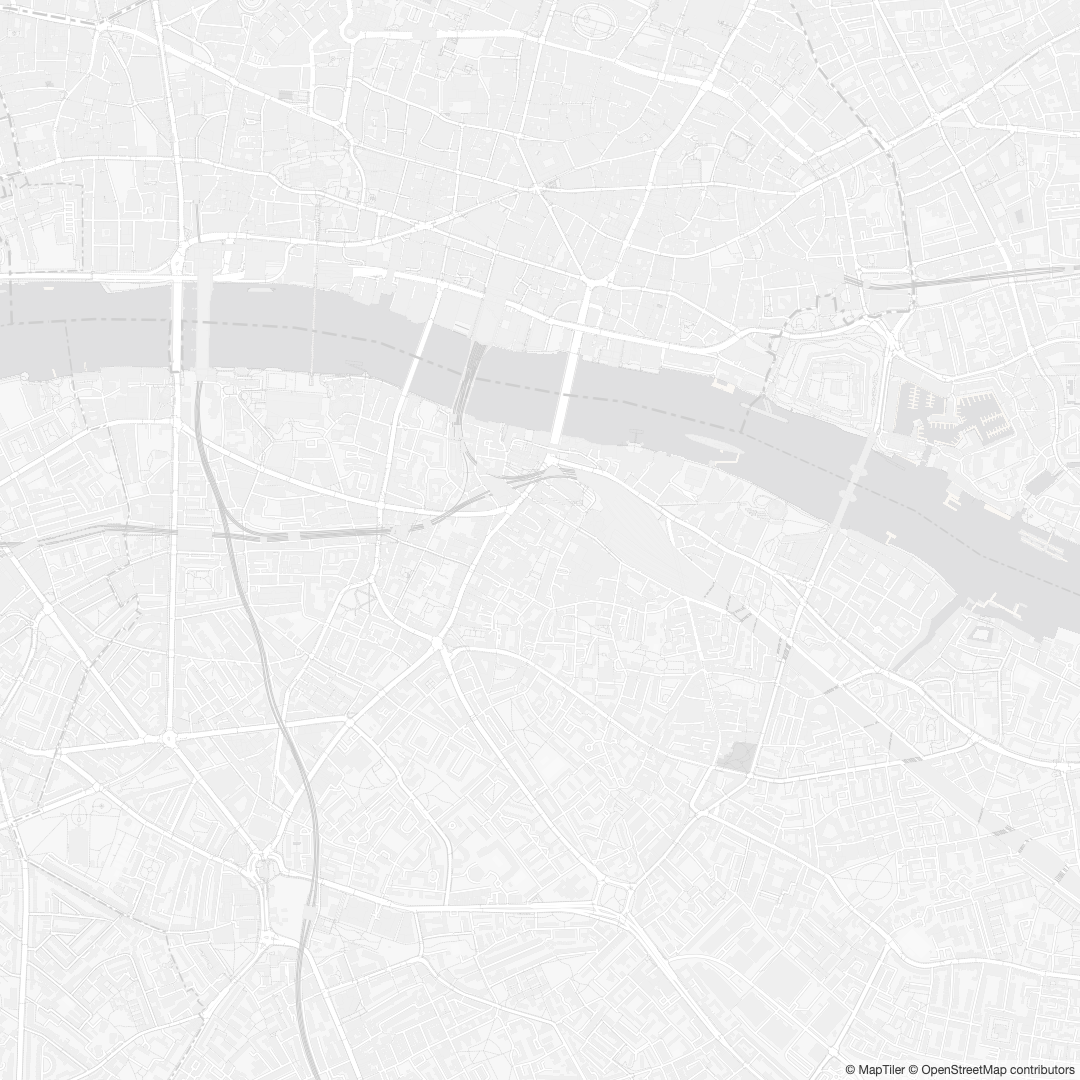
Which size suits which room (cm)
Use wall width and viewing distance as your guides — not the size of the sofa alone. Leave at least 15–20 cm of clear space around the framed piece so it does not feel squeezed by switches, shelves or door frames.
- A4 (21 × 29.7 cm) — desk, bedside table, narrow hallway, or a single tile in a gallery wall. Works when the viewer is within about 1 m.
- 30 × 40 cm — small home office, landing, or paired prints. A common ready-made frame size in the UK and EU.
- A3 (29.7 × 42 cm) — similar footprint to 30 × 40 cm; good above a console table or in a corridor wider than about 80 cm.
- 40 × 50 cm — dining nook, bedroom feature wall, or medium living room when the wall is under about 2 m wide.
- A2 (42 × 59.4 cm) — living room statement, entryway, or main bedroom wall. Dense city maps (for example a London map art print) benefit from this scale.
- 50 × 70 cm — large living room or open-plan space with a wall roughly 2.5 m wide or more; viewed from 2–3 m away.
- A1 (59.4 × 84.1 cm) — bold centrepiece when you have a tall wall and want the road network to read from across the room.
Tape paper cut to size on the wall for a day before printing. It is the quickest way to judge scale without committing to ink and framing.
150 DPI vs 300 DPI
300 DPI is the usual target for map posters: street lines, labels and overlay text stay crisp when someone walks past. MapArtPrint Pro paper presets (A4 through A1) are dimensioned for roughly 300 DPI — see the table above.
150 DPI can be acceptable when the print is always viewed from a few steps away (for example above a sofa) and the map style is relatively simple. You would need to export or resize to the 150 DPI pixel counts in the table; the app does not ship a one-click 150 DPI preset. For gifts and main living spaces, 300 DPI is the safer choice.
What MapArtPrint exports (free vs Pro)
Free: four standard map styles with no watermarks. Output size is limited to 1080 pixels on the longest side for custom dimensions, plus fixed social presets (Instagram, story, and similar). The Print tab’s “Square preview” and “Portrait preview” buttons are also 1080 px — labelled screen only in the editor.
Pro ($4.99 one-time): unlocks premium styles and print-ready sizes. Paper presets export at the pixel dimensions in the table (A4 2480×3508 through A1 7016×9933). Popular frame sizes 30×40, 40×50 and 50×70 cm are not named presets — set the custom width and height fields to the 300 DPI values above. Any edge above 1080 px requires Pro. Pro is valid for 24 hours with up to three exports per purchase; no subscription.
Export format is PNG (lossless). For step-by-step framing once your print arrives, see how to print and frame a map poster.
Frames and mounts
Mount (passe-partout): A white or off-white mount lifts the map from the glass, reduces glare and hides a few millimetres of trimming tolerance. Order mounts to match the opening size (for example 30 × 40 cm), not the outer frame size.
Borderless / full bleed: Works if your export matches the frame opening exactly. Pro presets match ISO paper sizes; for 30×40 cm frames, export custom pixels and confirm the shop will not auto-crop.
Glass: Standard glazing is fine for most homes. Anti-reflective glass helps in bright south-facing rooms. Avoid pressing the print directly against glass long term — use a mount or spacers.
Poster hangers and rails: A3 and A2 suit clip-on poster rails for a casual look. Heavier A1 prints need a sturdy frame with a deep rebate.
Where to print your map
Online print services
Online poster printers accept uploaded PNG or JPEG files and deliver rolled or flat prints. Upload at the correct pixel size, choose matte or semi-gloss poster paper, and check the proof for unwanted cropping. Matte paper usually suits map art because it reduces glare and keeps type legible. These services are not affiliated with MapArtPrint — they are simply common options for poster-sized uploads.
Local print shops
High-street copy shops and art printers often stock heavier matte paper and can run a same-day A3 or A2 job. Bring the file on a USB drive, specify the exact size in centimetres, and mention that the artwork has fine lines and small text so the operator avoids over-sharpening. Ask whether they print borderless or with a margin — some shops trim automatically.
File preparation
Export PNG from MapArtPrint at the target preset or custom pixels — do not screenshot or re-save as JPEG. sRGB is the safe colour profile for most consumer printers. If you are printing a map poster gift, export at final size before ordering so aspect ratio matches the frame.
Home vs professional printing
Home inkjets can manage A4 test proofs, but A3 and A2 on consumer machines often show banding on large flat map areas and struggle with heavy matte stock. Professional printing gives calibrated colour and paper weight suited to framing — worthwhile for gifts and main living spaces.
Common problems
Pixelation — caused by stretching a 1080 px free export to A3 or larger. Fix: use a Pro paper preset or custom 300 DPI pixels from the table.
Cropping — online templates sometimes trim edges. Match aspect ratio to your frame and approve the proof.
Colour shift — glossy paper adds contrast; matte is more predictable. Use PNG at full resolution to avoid compression banding on dark map styles.
Frequently asked questions
What pixel size do I need for an A3 map print at 300 DPI?
A3 is 29.7 × 42 cm. At 300 DPI that is 3508 × 4961 pixels (portrait). MapArtPrint’s A3 Paper Pro preset exports at exactly those dimensions.
What does MapArtPrint export on the free tier?
Free exports are capped at 1080 pixels on the longest side for custom dimensions, plus fixed social presets (for example 1080 × 1080). These are for screen and social use, not large-wall printing.
Is 150 DPI enough for map wall art?
150 DPI can work when the print is viewed from a few steps away. For arm’s-length viewing or dense street grids, 300 DPI is the safer target. Pro paper presets are sized for roughly 300 DPI.
Which print size suits a living room wall?
For a single statement piece on a typical living room wall (about 2–3 m wide), A2, 40 × 50 cm or 50 × 70 cm often feel balanced. Smaller walls or gallery clusters suit A3, A4 or 30 × 40 cm.
Should I mount a map poster or use a borderless frame?
A mount adds breathing room and protects the print from touching the glass. Borderless frames suit full-bleed exports. Match the mount opening to your paper size.
Create yours
Turn a favourite place into wall art.
Search any city or address, choose from four free standard styles, and export a print-ready file with a one-time $4.99 Pro unlock — no subscription, no watermarks.
Open the map poster maker